esxDOS Explorer
A downloadable Utility for Windows
ONE-TIME PURCHASE, ALL UPGRADES FREE FOR LIFE!
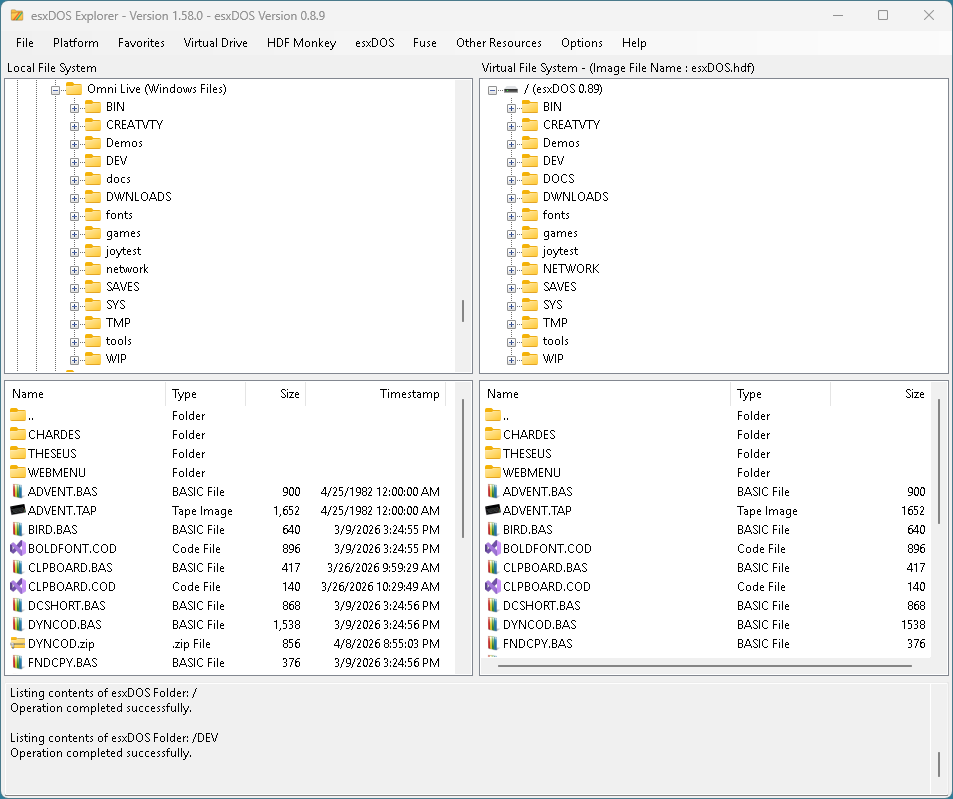
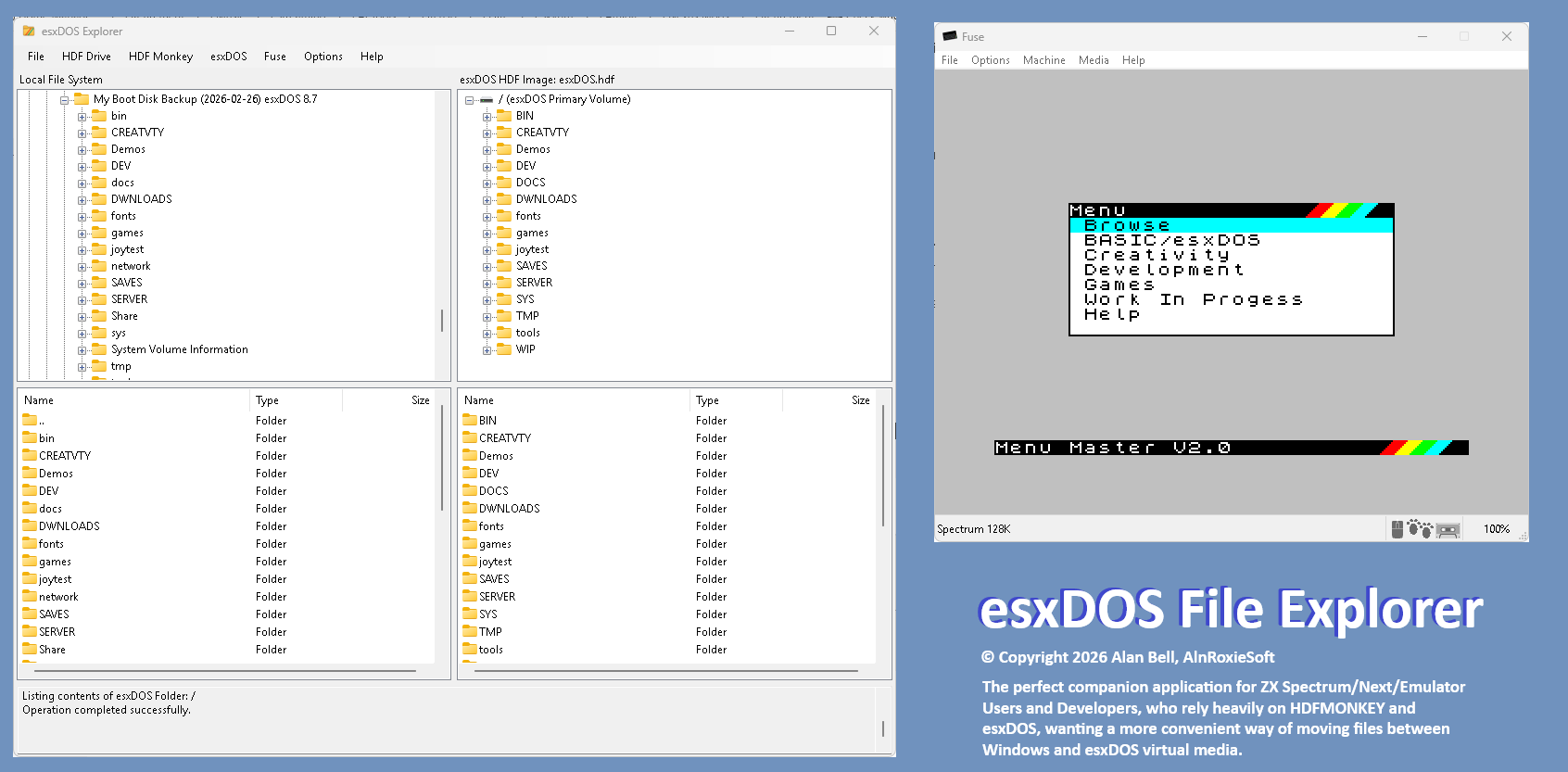
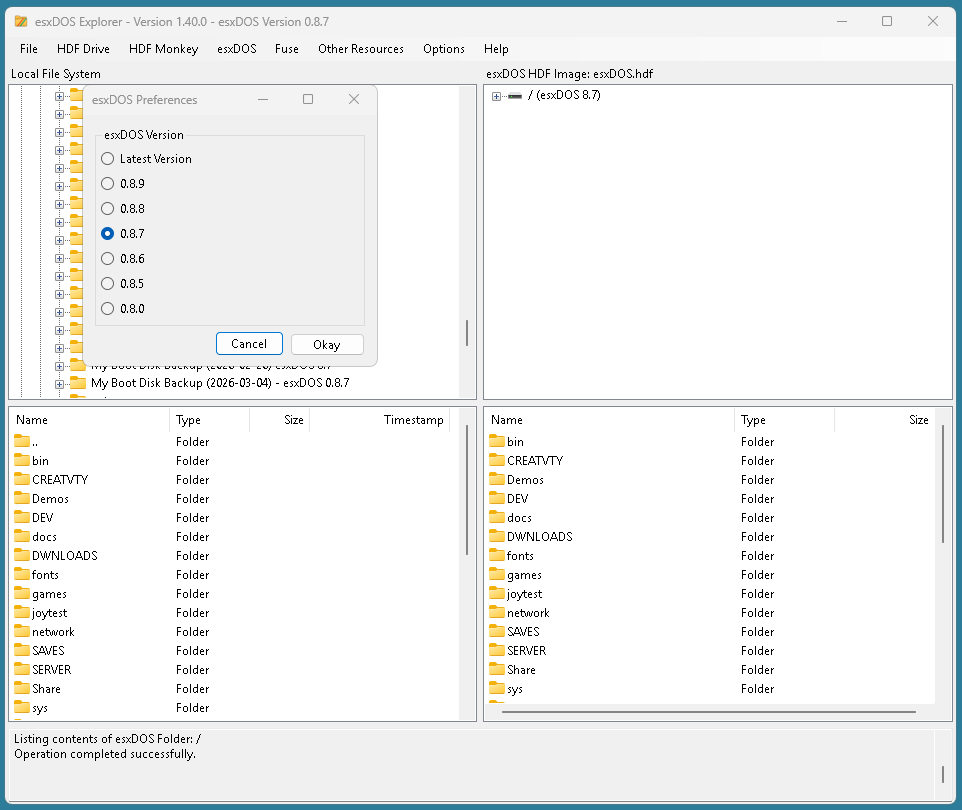
After wrestling with Fuse for Windows for a number of years on and off, trying to get divMMC and esxDOS working, I finally got my hands around it and decided that it was time to build a front-end to HDFMonkey.
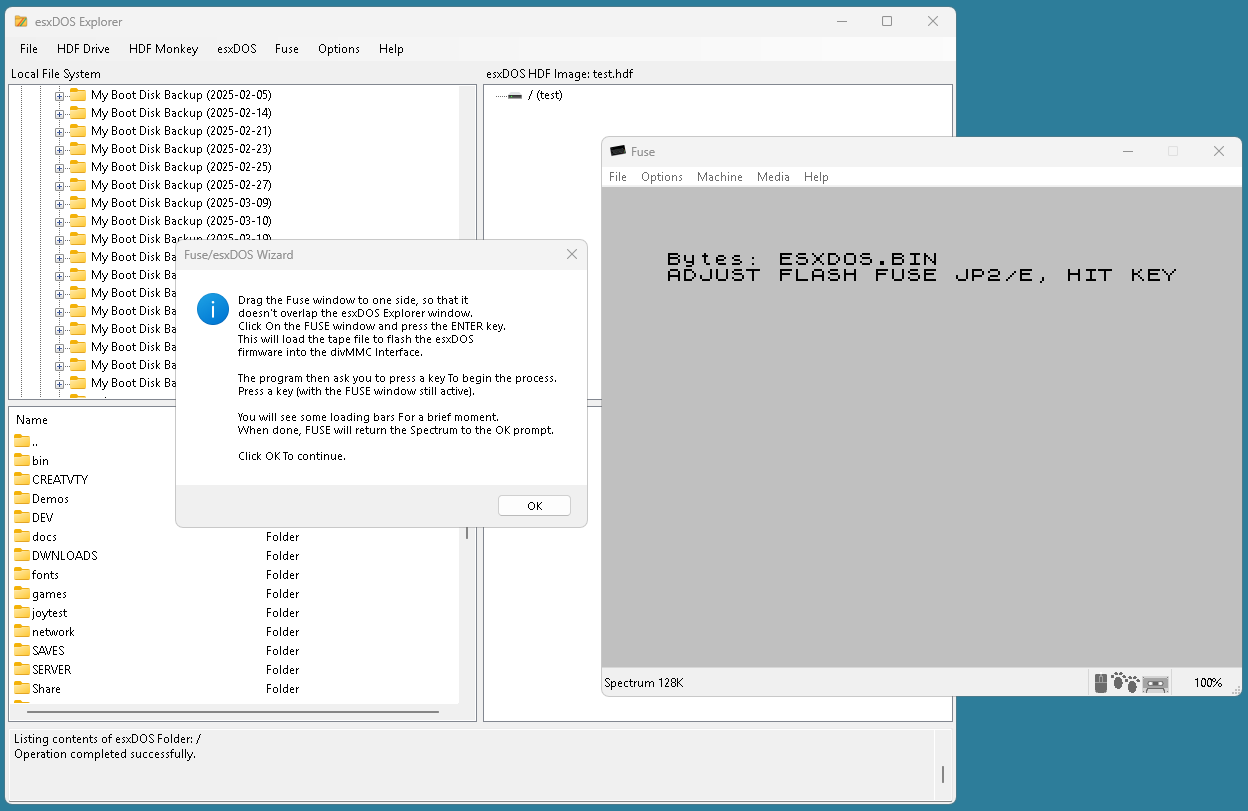
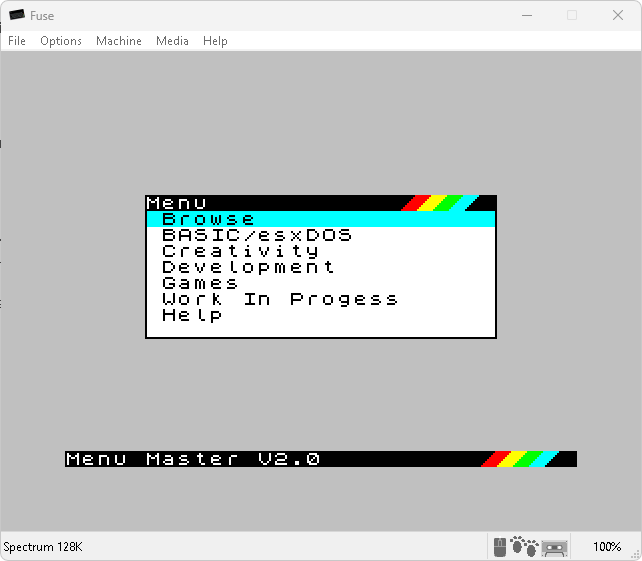
The final result is so much more, with HDFMonkey automations, multiple file and folder drag and drop both ways, formatting HDF files, renaming files and folders locally and with the HDF, and automated download and installation of esxDOS, with checks for the latest version, divMMC ROM flashing wizards for Fuse, and optional automatic installation of a commonly used third party tools and extensions, including a customizable boot menu that has the feel of the Spectrum 128, completely customizable from within the menus themselves.
The latest build of esxDOS Explorer now has two “Personalities” (Spectrum Next Humor)…
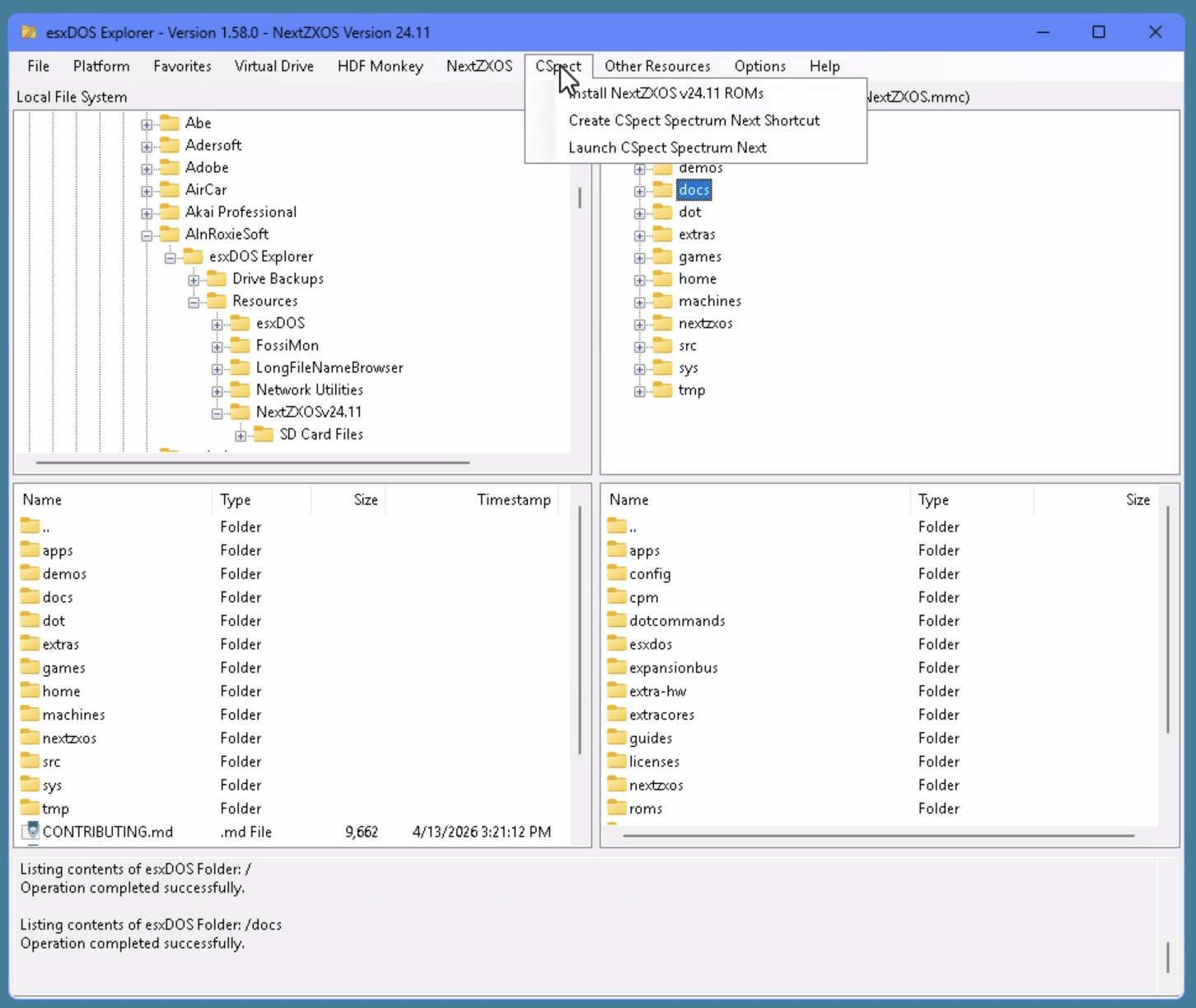
With a quick menu Switch, you can flip the application from esxDOS mode to NEXTZXOS mode, with features re-focused on the needs of Spectrum Next developers.
Downloading of the latest build from the Next Team web site is a single menu selection, which will set up a repository within esxDOS Explorer and host the image file contents and ROMs for one-click installation onto your own in-app created virtual media. Another click, and the ROMs are copied to your CSpect installation.
Quickly switching between virtual media and launching in CSpect or FUSE is a breeze, just another menu click and you are on your way.
Whether you are
- A Spectrum/esxDOS user looking for a fast track way to get Fuse up and running with divMMC and esxDOS
- A Spectrum NEXT/CSpec user wanting an effective way of working with virtual media
Who is also looking for a Windows style Spectrum virtual disk/Windows file manager, this may fit the bill…
Ideal for use with Fuse, ZX Spin, SpecEmu, ZEsarUX, and CSpect emulators, and MiSTer FPGA devices.
Supports
HDF, MMC, IMG, VHD, and RAW virtual volumes.
The application also provides download and automatic or manual installation of the following:
Both Platforms:
- HDFMonkey
For esxDOS Platform:
- esXDOS (with checks for the latest version)
- Bob Fossil’s Long Filename Browser
- Bob Fossil’s FossiMon memory monitor and debugger.
- Nihirash’s suite of WIFI tools, including the HTTP download command WGET, UGoph gopher client, and IRC application.
- Menu Master Spectrum-side, customizable menu system.
- A Setup Wizard to get you so and running with your fully configured, Windows FUSE based Spectrum emulator, providing access to a powerful disk operating system used on modern retro Spectrums.
For Spectrum Next/CSpect
- NEXTZXOS (downloads latest build)
- NEXT ROMs
- Extraction of files from downloaded image to file based repository.
This application receives continued incremental updates, with new features being added regularly.
Tutorial Videos
- esxDOS Explorer Tutorial
Version 1.55.0 New Spectrum Next/CSPECT Emulator Features.
Purchase
In order to download this Utility you must purchase it at or above the minimum price of $5 USD. You will get access to the following files:
Download demo
Development log
- Version 1.65.0 Now Available!10 hours ago
- Version 1.64.0 Now Available26 days ago
- Version 1.63 Now Available!42 days ago
- Version 1.62.0 Now Available42 days ago
- Version 1.61 Now Available!42 days ago
- HDFMonkey Installation Error43 days ago
- Version 1.60.0 Now Available44 days ago
- Version 1.59.0 Now Available!47 days ago